Setting Allowed Values
Some Setting values will cause problems if used. This document provides an in-depth examination of the values that are allowed and values that are not. Expected errors and troubleshooting steps for this page are also covered.
To understand what each parameter does, refer to the settings document.
Note: The user must have the appropriate access rights to all the resources connected to the application.
Runner Tag
- Allowed values
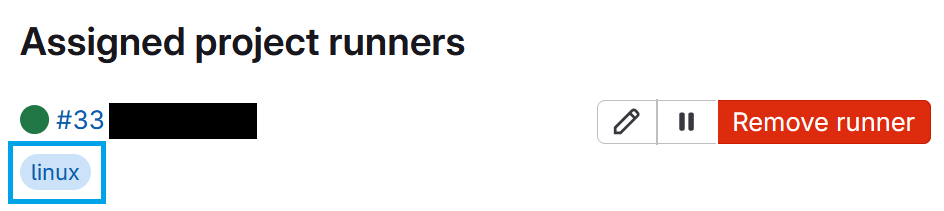
This parameter has to be a text string like "linux", "ubuntu", "2" and match some Runner's tags on the execution service:
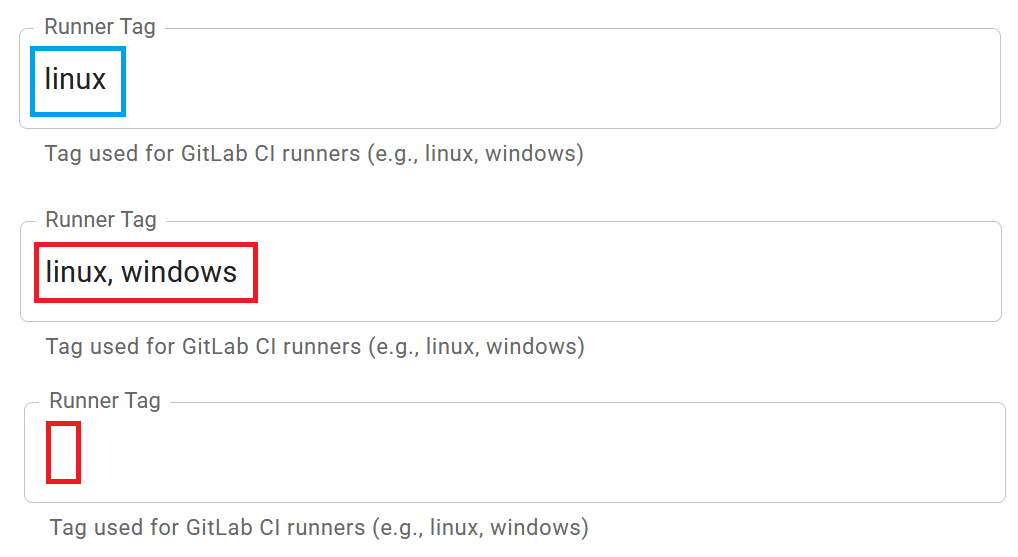
Multiple values, like "linux, windows" is not supported and will be treated as one tag.
- Not allowed values
If the Runner Tag field does not match a Runner, no jobs will be picked up and the job will hence time out. If the twins unexpectedly time out, verify that the tag has been spelt correctly.
No tag (i.e. a blank field) is permitted by some services like GitLab, meaning that any Runner that is configured to pick up tag-less jobs can pick these jobs up. A limitation of DTaaS is that some tag is required. No tags, like other unallowed tags, will be ignored.
- Visual examples
Branch
- Allowed values
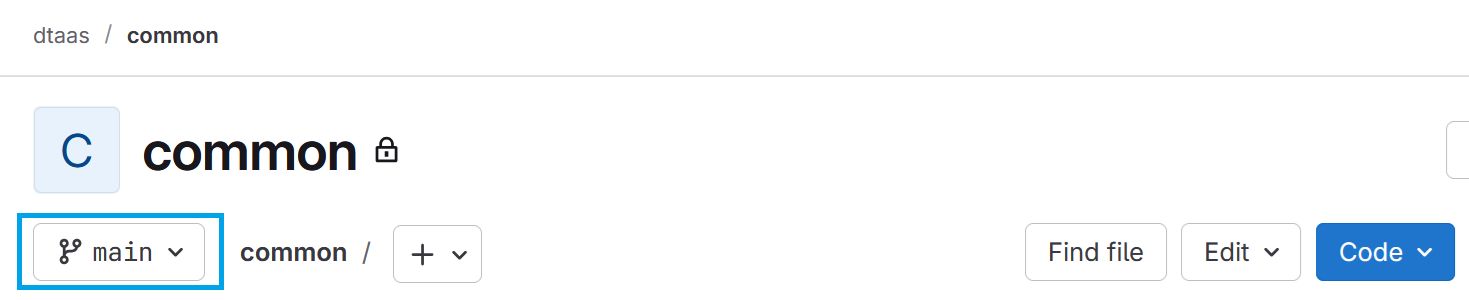
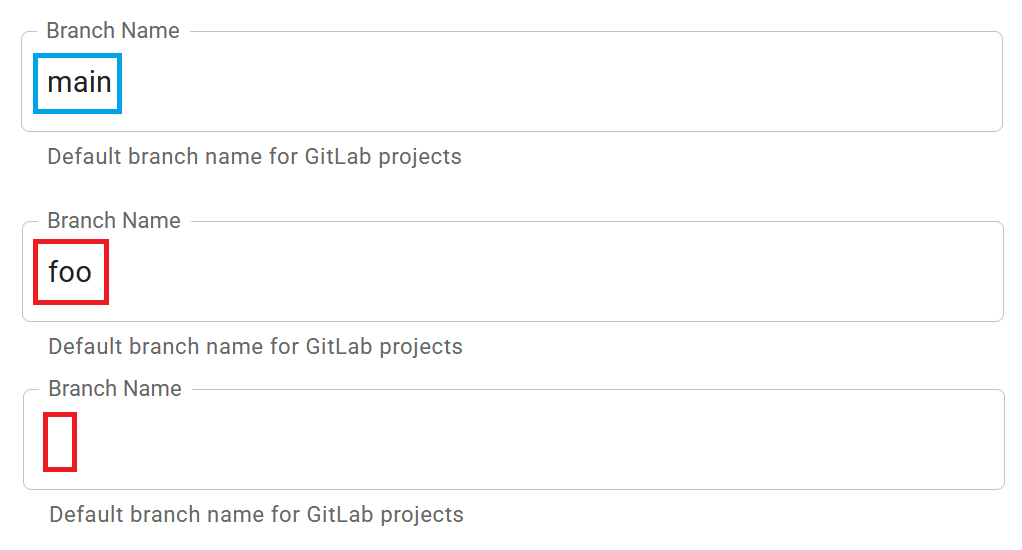
The Branch field must be a text string matching a branch in the user and common library repositories. For example: "main" or "master":
- Not allowed values
This field should not be left empty or set to a value not matching a branch in both repositories. While technically allowed, this may cause errors or unexpected behaviours.
Expected error:
An error occurred while fetching assets: GitbeakerRequestError: 404 Tree Not Found
- Visual examples
Group name
- Allowed values
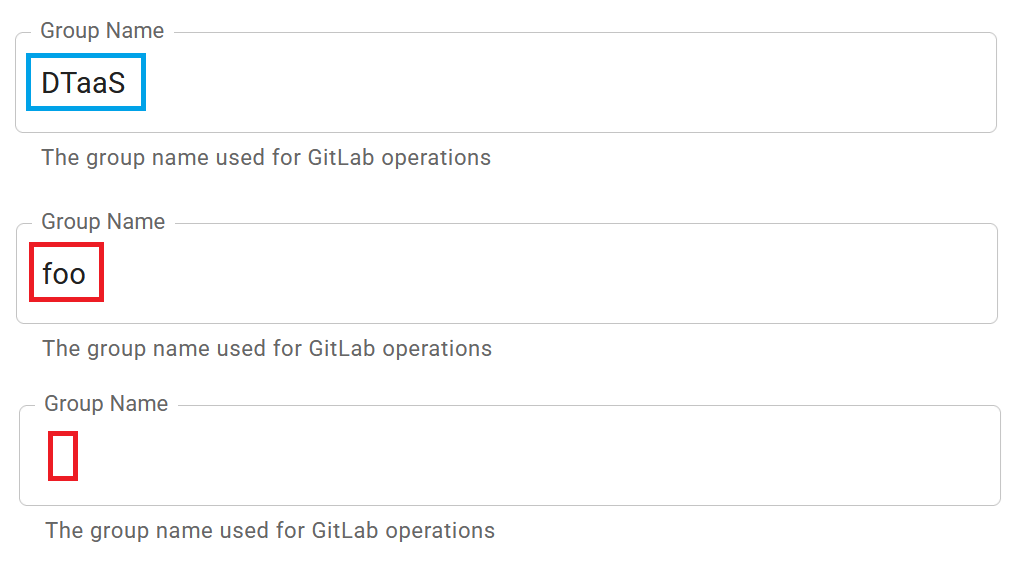
The Group Name field again requires a text string, and it must further match some group in the storage service (e.g. GitLab).
Example:
DTaaS
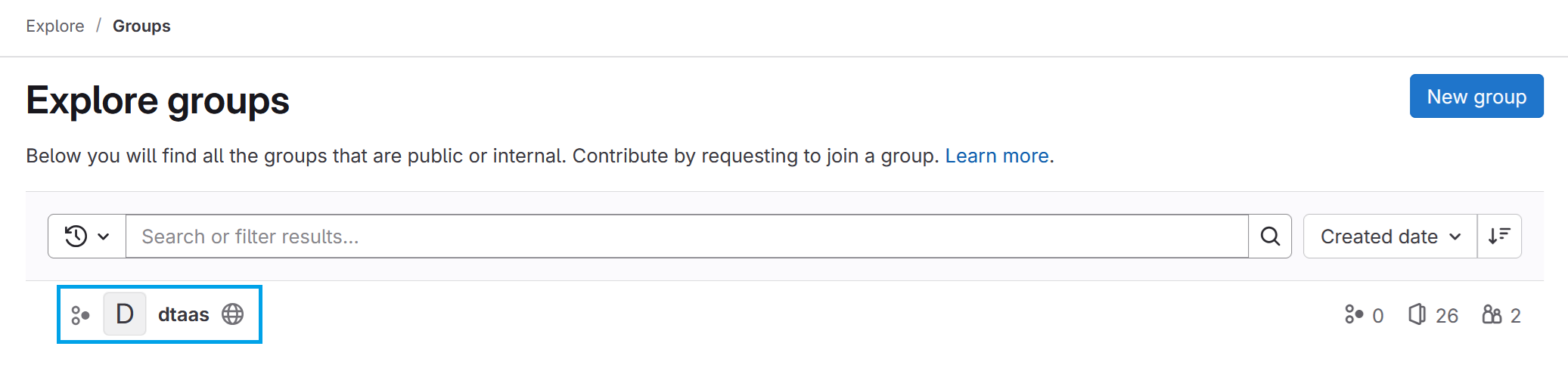
Group names are case insensitive on GitLab, but matching the case exactly is recommended for consistency and to remove it as a source of error.
- Not allowed values
If the group does not exist or the field is left blank, errors will occur upon accessing Digital Twins, etc. Ensure that a value is entered.
Expected error:
An error occurred while fetching assets: GitbeakerRequestError: 404 Group Not Found
- Visual examples
Common Library Project name
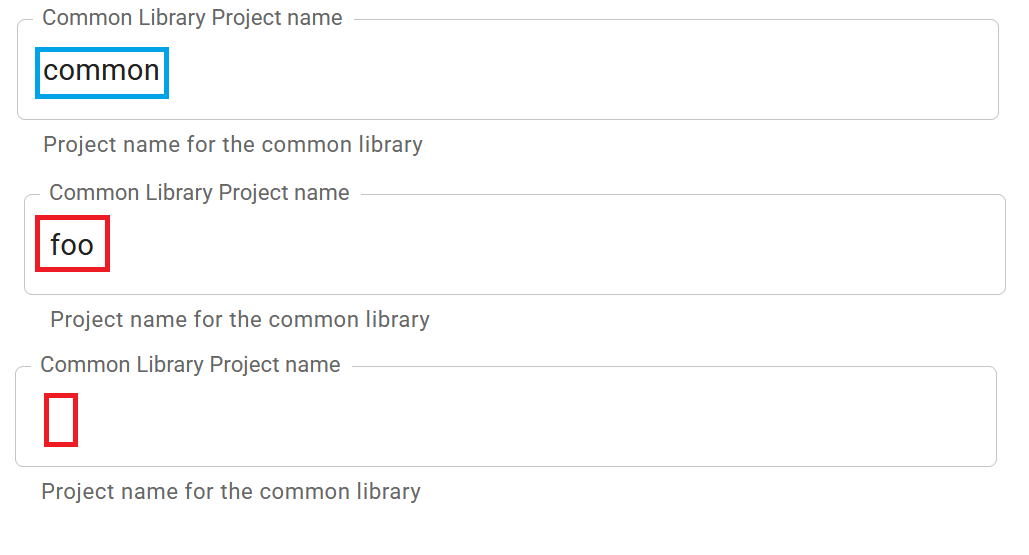
- Allowed values The Common Library Project name parameter is a text string. It must correlate to the repository responsible for keeping shared resources. Examples: "common" and "library":
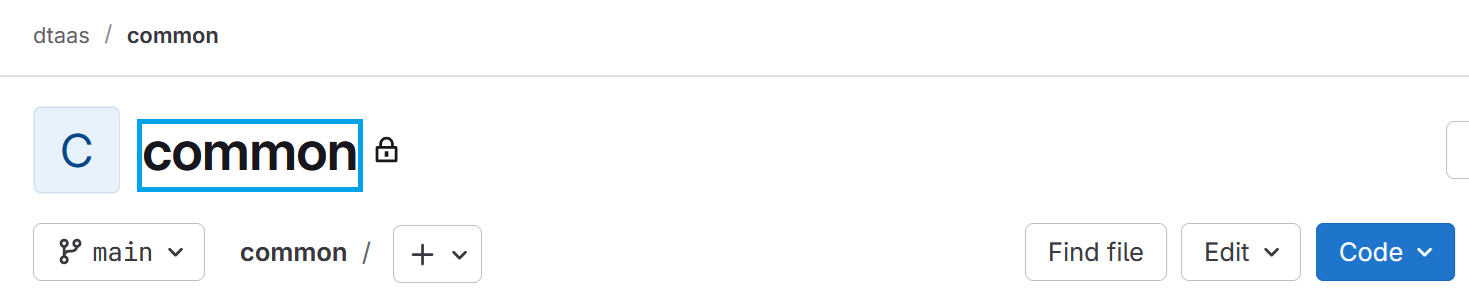
Failure to match a repository will break the DevOps page.
Expected error:
An error occurred while fetching assets: Error: Common project not found
- Not allowed values
This field should not be left blank or set to a value not matching a repository. It is inadvisable for it to match a user repository.
- Visual examples
DT directory
- Allowed values
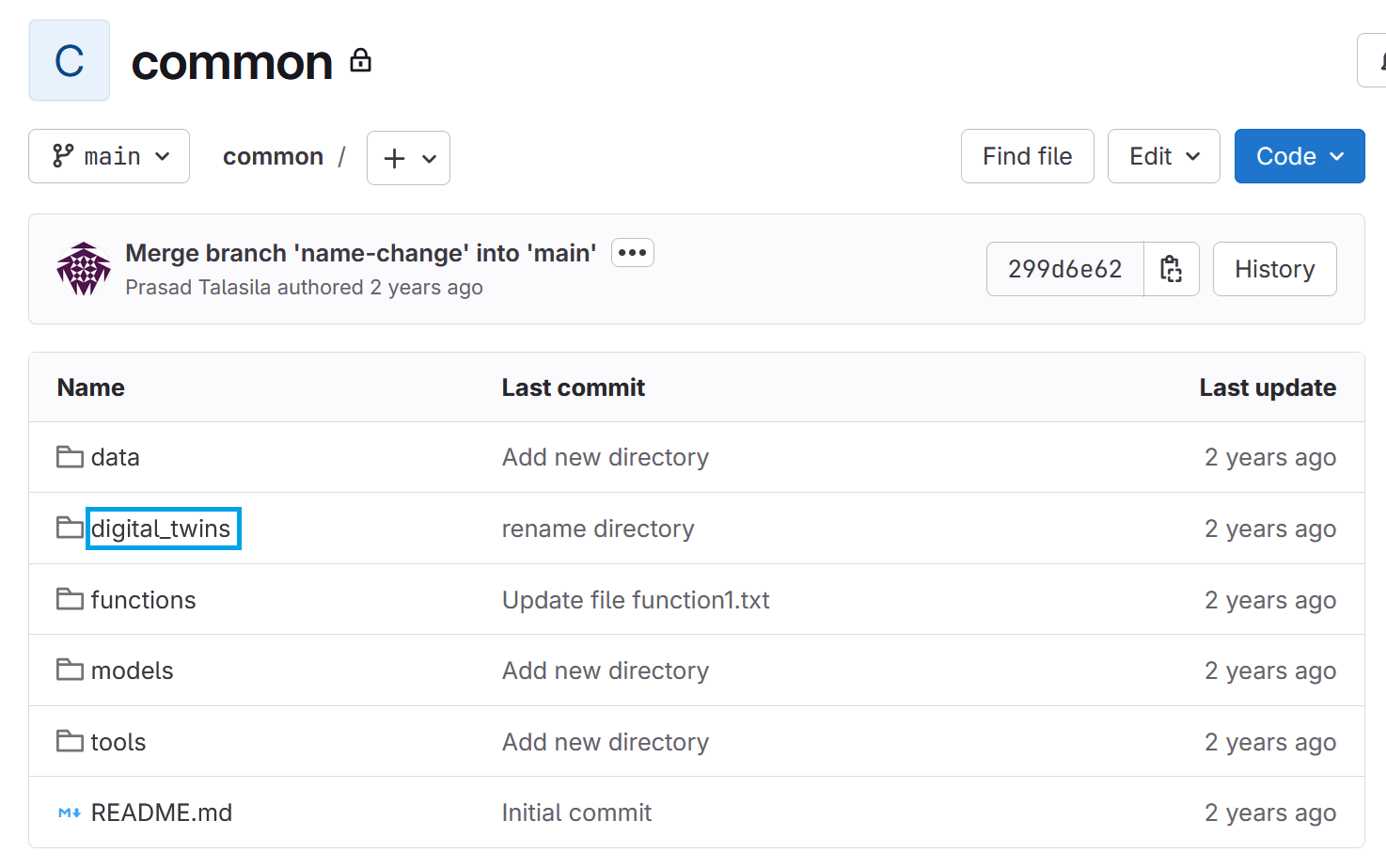
Like the other fields, this must be a text string. It should match the name of the folder within the common library and most importantly the user repository where the Digital Twins are stored.
- Not allowed values
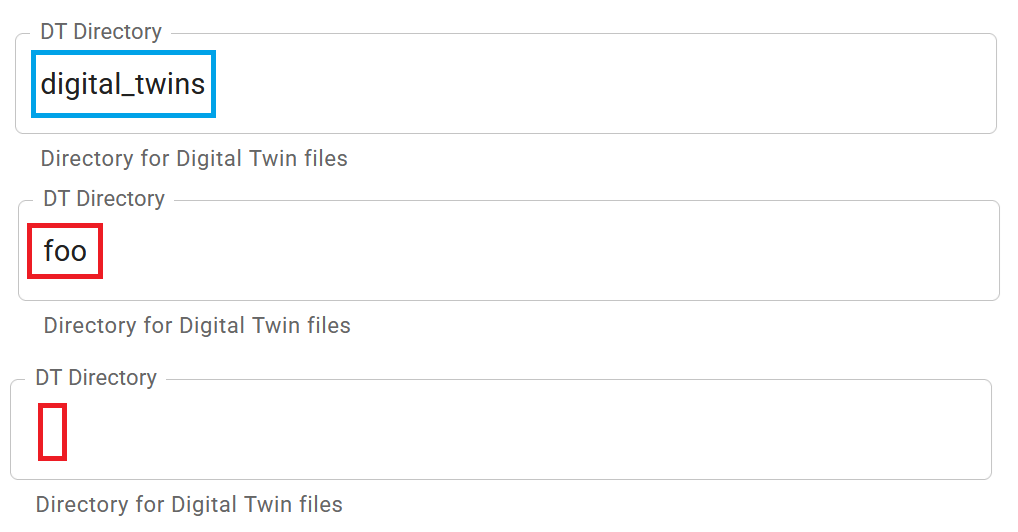
Do not leave this blank or erroneously mapped. This will lead to silent failure with the Digital Twins not loading or Digital Twins from a previous set up to show up.
🧯 Troubleshooting
The Digital Twins are not showing up:
Verify that Group, Branch, common and DT directory all are configured exactly. like it is on the backend.
The Digital Twins are timing out:
Verify that the Runner Tag parameter is not a list of tags, that the runner is active and matches its tag.
💭 Summary
The possible values for correctly connecting DTaaS to the relevant storage and service instances have been specified, along with potential pitfalls. The key point is not to leave any of the fields blank; they should be of the text string format and properly correspond to the relevant services and runners. Some troubleshooting steps have further been provided to overcome common hurdles.