Reusable Assets and DevOps
DevOps is a well-established software development practice. The DTaaS platform has an experimental feature that brings DevOps to digital twins.
This feature requires a specific installation setup:
- Integrated GitLab installation
- A valid GitLab repository for the logged-in user. See an example repository. You can clone this repository and customise it as needed.
- A GitLab Runner linked to the user's GitLab repository.
Once these requirements are met, open the Library Page by clicking Automation in the menu and then the Library Page card. The page shows all the reusable assets stored in the linked GitLab repository. A category with no assets shows an empty list.
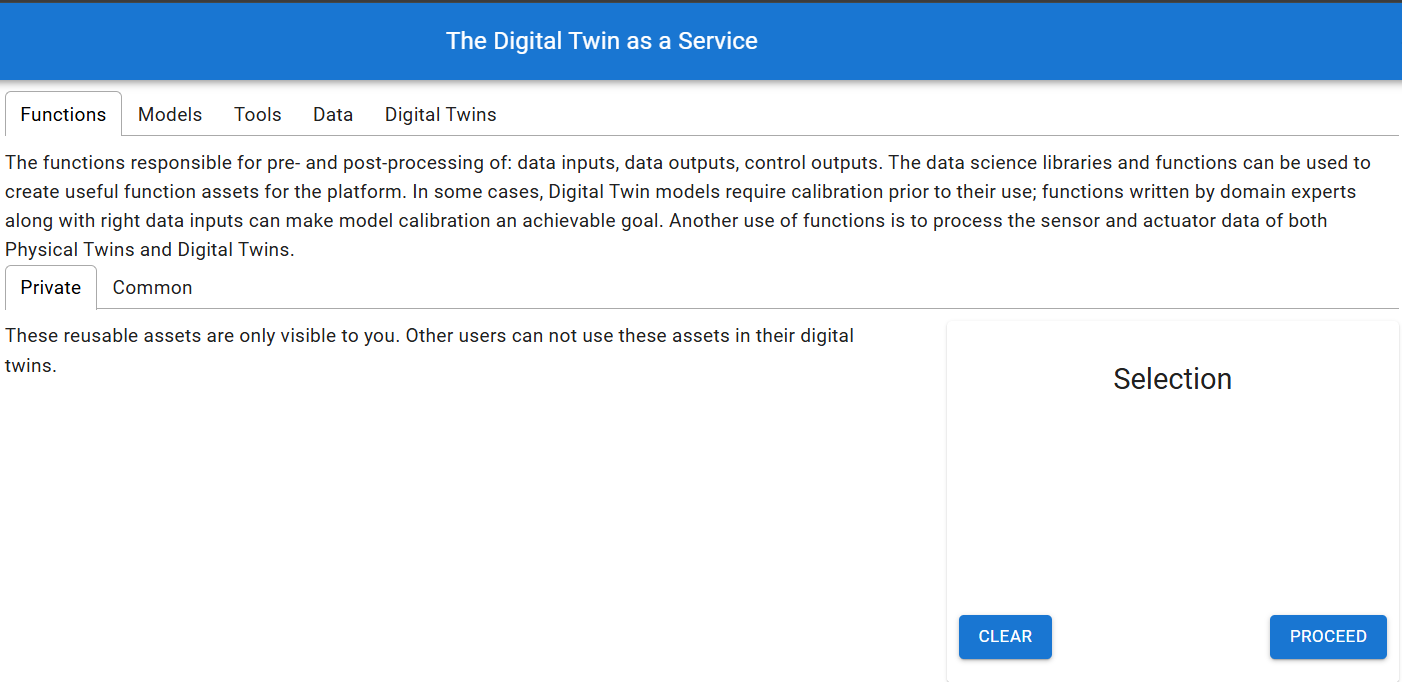
Otherwise the page lists the existing assets. The following figure shows all the available DTs.
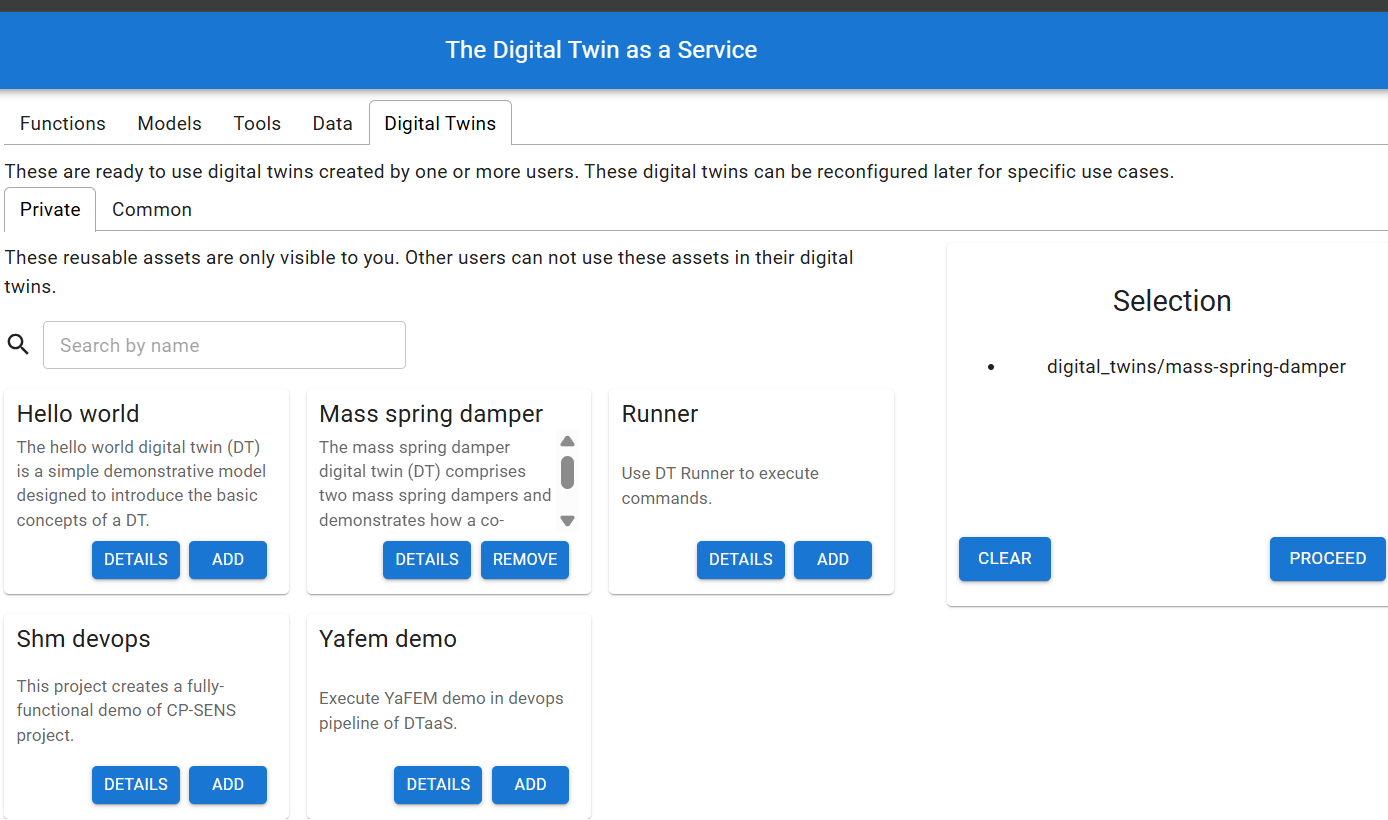
Click Add on an asset to add it to the Selection pane on the right. After selecting all the required assets, click the Create a Digital Twin button to go to the DT create stage.